
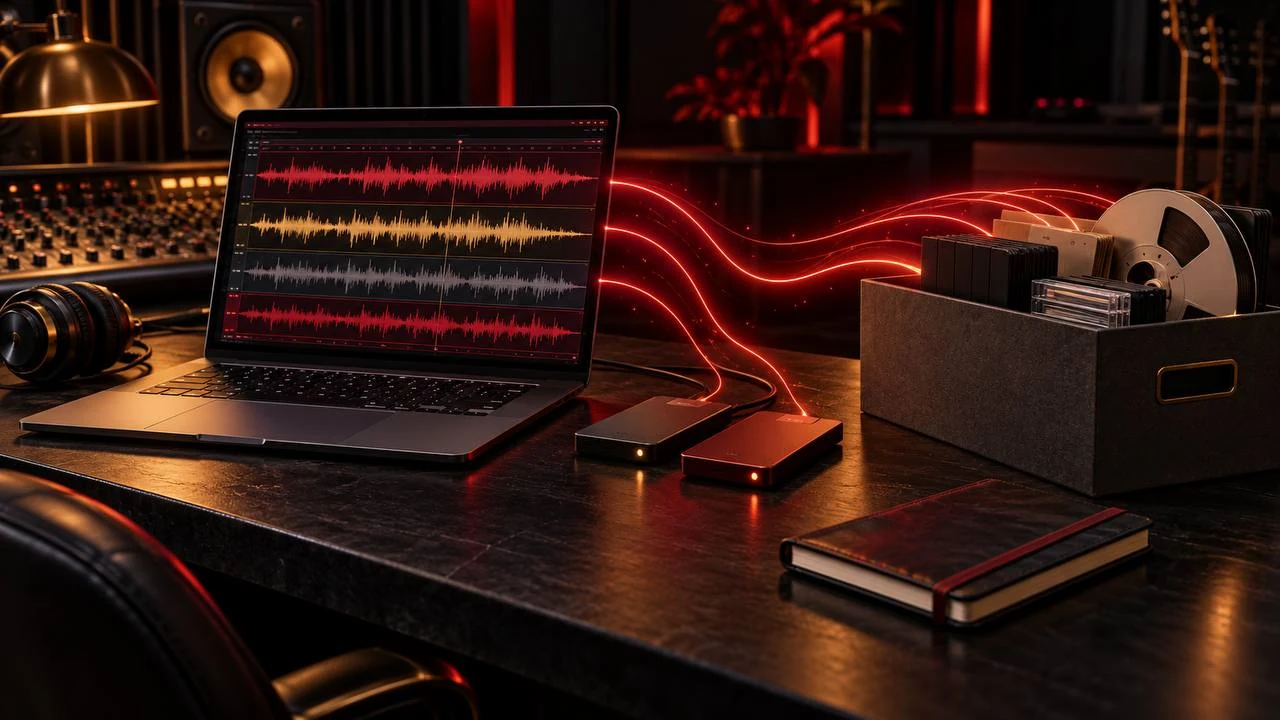
A label needs an instrumental version of a song released three years ago. The project file is still on a drive. But the vocal effects are missing, a synthesizer opens with the wrong sound, and several recordings point to folders on a retired computer.
The recording survived as a finished master. The ability to revise it is another question.
For independent artists and labels, a useful archive should preserve the editable session, an audible record of important production choices and enough information for another person to understand the files. Start that work while the project still opens correctly.
Collect the material the session actually uses
A project file can depend on audio stored elsewhere. Use your DAW's collection or packaging tools, then check the result.
Ableton says Collect All and Save gathers used audio and Max for Live devices into the project folder, but does not collect third-party plug-ins. Its transfer guidance recommends rendering affected tracks when the destination lacks the same plug-ins.[1]
Image-Line similarly separates sample collection from software requirements. Its FL Studio sharing guide describes a zipped loop package for bundling the project and samples, while specifying matching third-party plug-in formats and versions on the receiving system.[2]
Our recommendation is to save a clearly named archive copy before making preservation changes. Keep the working session intact and document which copy represents the approved production.
Preserve the sound as well as the instructions
An editable instrument track is valuable. So is an audio render of the sound you approved.
For important virtual instruments and effects, consider keeping a processed render alongside the editable source. Where useful, retain an unprocessed version too. A future engineer can then hear the original intention even if a particular instrument or effect is unavailable.
Export a reference mix and label its approval status. For separate tracks intended to be rebuilt together, use a common start point and allow enough time for reverb and delay tails. Listen to the exports in a new session to check alignment and completeness.
Do not assume separate tracks will recreate a mix exactly. Shared processing and routing may affect the result. Preserve the approved mix as the listening reference and describe any important differences.
Choose an archive format deliberately
The Library of Congress identifies WAVE as a preferred format for media-independent digital audio and notes the use of Broadcast WAVE variants in preservation work.[3]
For a practical studio archive, we recommend retaining uncompressed PCM WAV renders at the project's existing sample rate and an appropriate bit depth, with the settings documented. This is an editorial workflow recommendation, not a claim that one export setting fits every recording.
Keep the original source files too. Converting an already compressed recording into WAV cannot recover information previously lost.
Leave a short map of the project
Add a plain-text readme with the song title, version, export date, tempo, time-signature changes and contact person. Record the DAW, operating system, plug-in versions and formats used for critical sounds.
Explain ambiguous names. “Lead vocal, approved comp” tells the next engineer more than “Audio 47 final new.” Distinguish individual tracks from grouped stems and identify which mix was approved.
Include relevant preset files and production notes where permitted. Preserve license records separately; collecting a sample into an archive does not establish permission to redistribute it.
Test a copy before you need it
Library of Congress personal-archiving guidance recommends descriptive organization, copies in different locations and checking audio files at least annually for readability.[4]
For a label, extend that check into a small restore exercise. Open a duplicate archive from its backup location, inspect missing-file warnings and audition the rendered audio. If possible, try another workstation. Record what worked and what still requires the original setup.
Begin with one completed release. A session that another person can understand and restore is a more useful starting point than a large folder whose contents nobody has checked.
Footnotes
https://help.ableton.com/hc/en-us/articles/209071909-Transferring-Projects-to-another-computer
https://support.image-line.com/action/knowledgebase?ans=811
https://www.loc.gov/preservation/digital/formats/fdd/fdd000001.shtml
https://www.digitalpreservation.gov/personalarchiving/audio.html
Information checked November 2, 2026.